Troubleshooting your Front Door Wi-Fi Camera - Light and Siren
Here you can find the answers about Troubleshooting your Yale Front Door Wi-Fi Camera - Light and Siren.
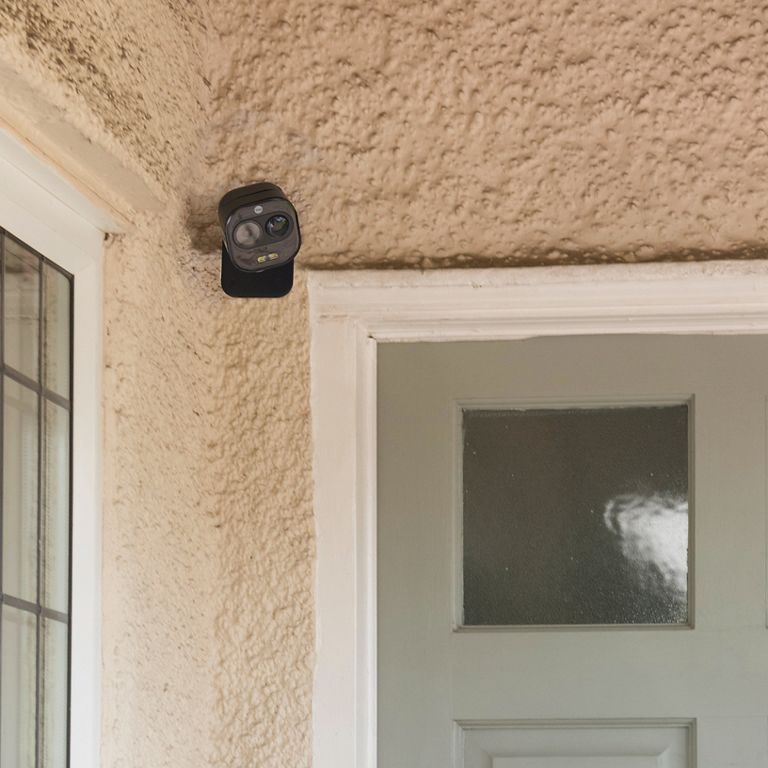
Five most common questions about Troubleshooting Front Door Wi-Fi Camera
My device has been bound by an alternative email address
For customer privacy, one device can be added only by one account. If the device was added by other account, you cannot add it again.
Read the full answer in the compiled FAQ below.
The camera does not recognise the SD card
- Insert the SD card into the SD card slot, format the SD card with the Yale View app
- Try the SD card on PC/smartphone/other devices, check whether the SD card is damaged. If it is a bad SD card, please try another one
Read the full answer in the compiled FAQ below.
The automatic spotlight activation is not working for my Front Door Wi-Fi Camera?
You need to check if you have the latest Firmware.
Please go to the camera settings, select Cloud Upgrade and upgrade your camera Firmware.
See the camera under device list, but live view it’s not streaming
- Please check the LED indicator status of your camera to see if your camera is connected to Internet.
- Please check the Internet access of your smartphone, if the signal is too weak there may be problems with streaming.
Read the full answer in the compiled FAQ below.
The App says “Failed to Bind”
Please check your router is connected to the internet (try to open a web page with your phone browser) then try again.
This means that the camera was successfully connected to your wifi network but failed to add the camera to Yale View account.
FAQ
If you need additional support
You can get a more visual help related to our products at our download center and in our library for support videos.