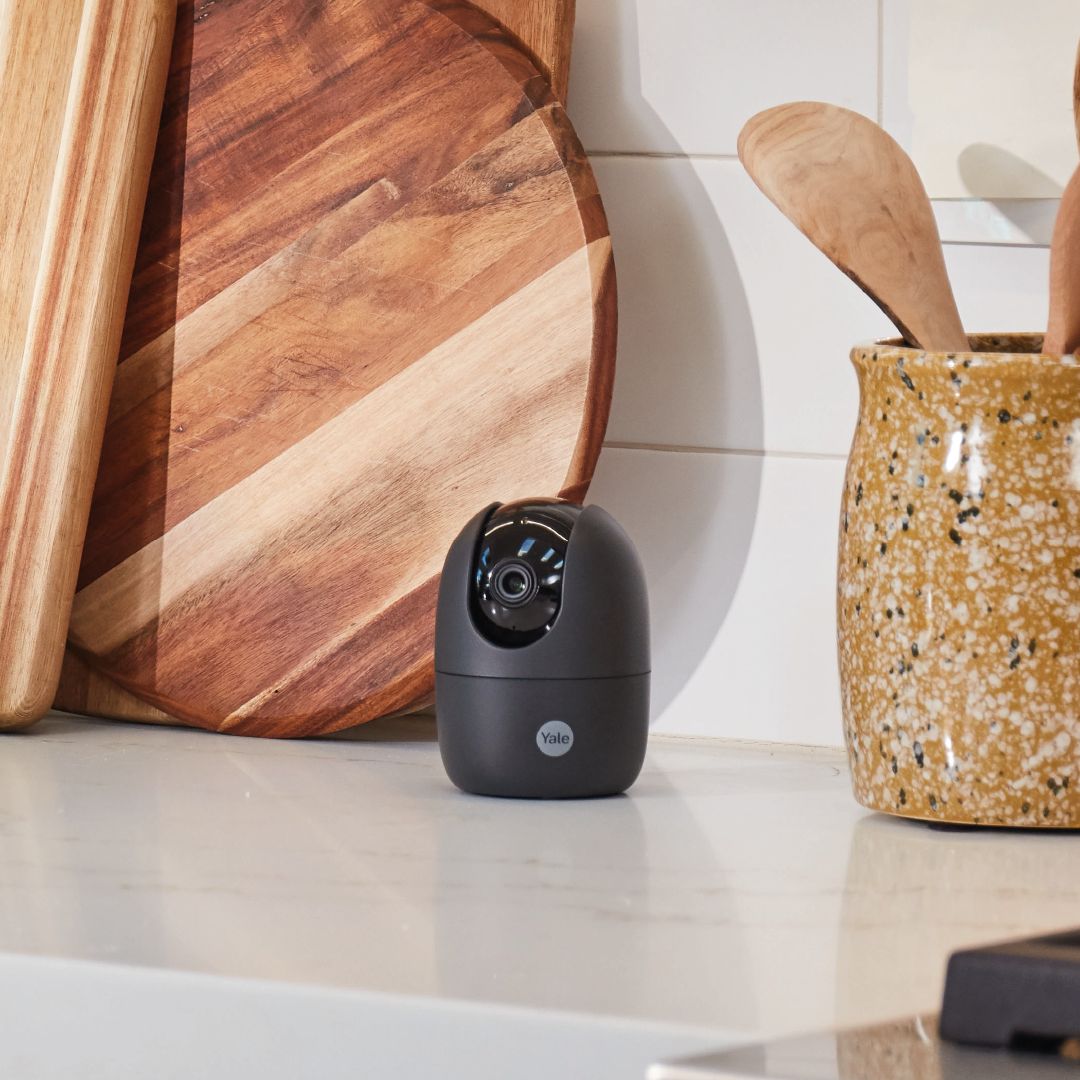
Receive instant motion notifications to your phone via the Yale View App when an event is detected at your home.
Move the lens up and down, left and right, to be sure you monitor every corner of your room.
Set your camera to privacy mode on your app and know that your lens is hidden, so you’re in control at all times.
Know exactly what’s happening at home while you're away with live-streaming around the clock, real-time conversation and instant motion notifications via Yale View App.
If you need a better view to see who’s home, you can move the lens up and down, left and right, to be sure all is well, with the Pan & Tilt feature via the Yale View App.
Come home, relax and have your mind at ease that your personal privacy is protected, set your camera to privacy mode on your Yale View App and know that your lens is hidden, so you’re in control at all times.
With instant alerts to your phone, from detecting movement in important areas such as the safe or get alerted when a loved one has arrived home.
If you want to see what the kids at are up to, you can with real-time conversations and live-streaming, allowing you to listen and talk back to them.
Control with leading voice assistants such as Amazon Alexa and Google Assistant to view your cameras with your favourite screen enabled smart speaker for more convenience.
Use your voice to check live-streaming, “Alexa, show me the play room”.
The Yale View App gives you control of your Yale Smart Camera and enables you to view live stream of your home from anywhere via your smartphone or tablet (WiFi or 3G/4G connection required).
See what’s going on in real-time wherever you are.
Receive live notifications as someone approaches your home.
Conveniently replay, record and save the footage you need.
Listen and talk back to the person at the other end.
Simply set the areas you want to cover with motion detection and ignore others.
Highlights within the timeline allowing you to pinpoint specific activity.