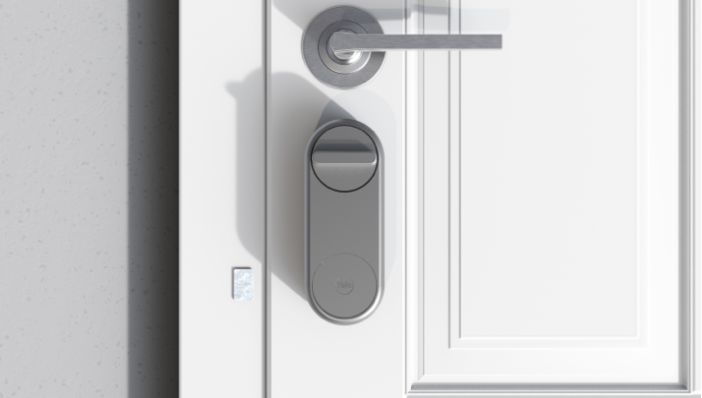
How to Install: Yale Linus® - Euro Cylinder
These steps will help with installation of the Linus® Smart Lock.
Euro Profile/DIN Cylinder Lock
This page will guide you through installing your Linus lock onto a compatible Euro Profile cylinder. If you need information on whether your cylinder if compatible, you can find it here. If you need instructions on installing the Yale Linus® adjustable cylinder, they can be found here.
There are two ways to install the Linus lock, depending on whether your cylinder sticks out from your door furniture on the inside of your door by at least 3mm (see video below). Based on that, please select the relevant option below:
Cylinder sticks out 3mm or more
This video will take you through the installation process, written instructions are also available below.
Download the Yale Home app
Please continue with Linus® setup by downloading the Yale Home app.



Installation Preparation
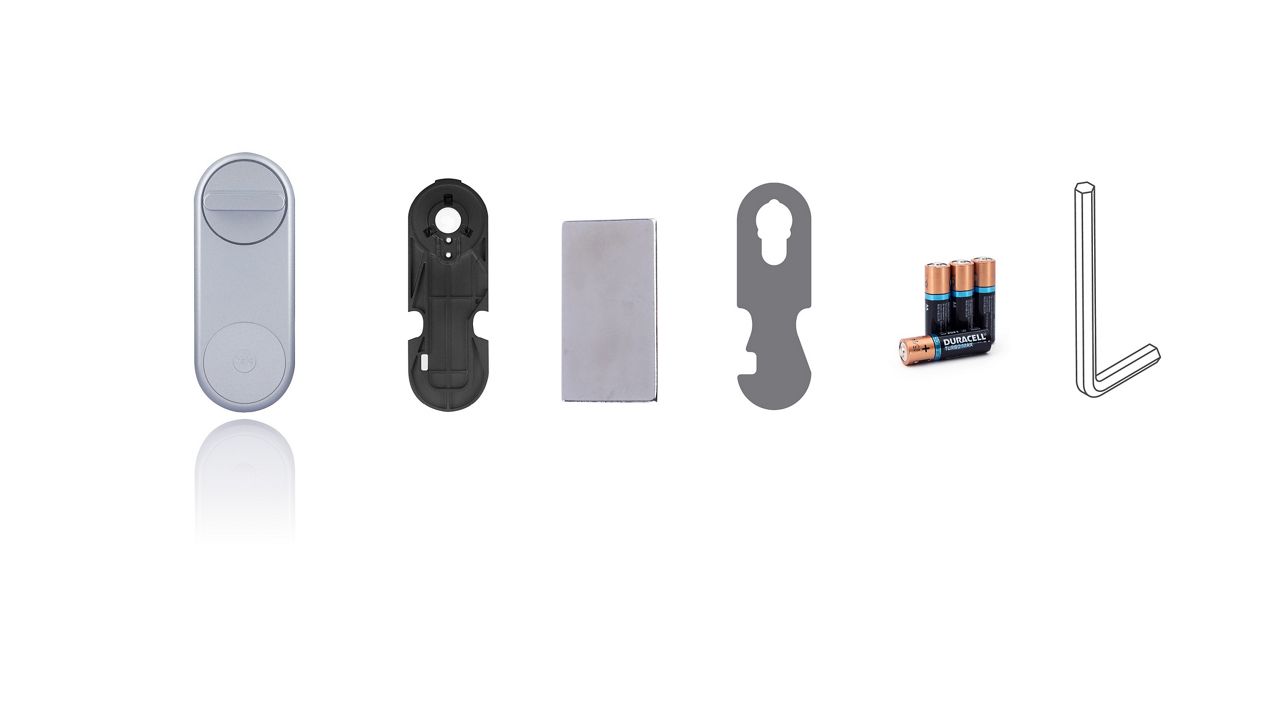
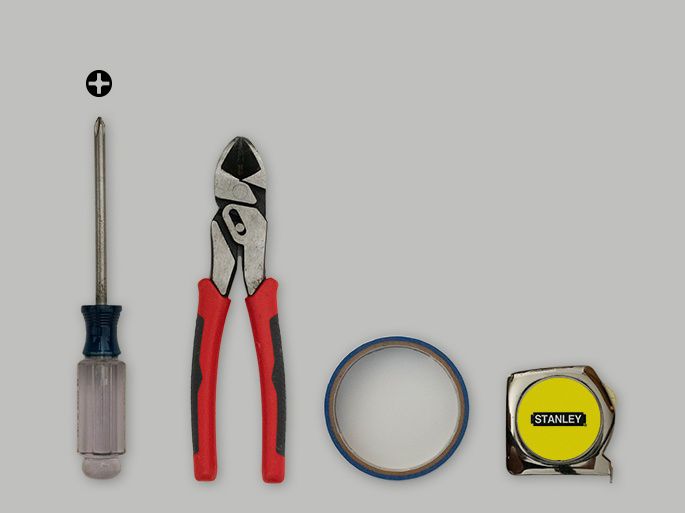
Here you see which components are included in the box and which tools you need to carry out the installation of your new Yale Linus lock.
Installation step-by-step
Step. 1. Unpack Linus®
Take the Linus® unit out of the box and open the wings to remove the mounting plate.

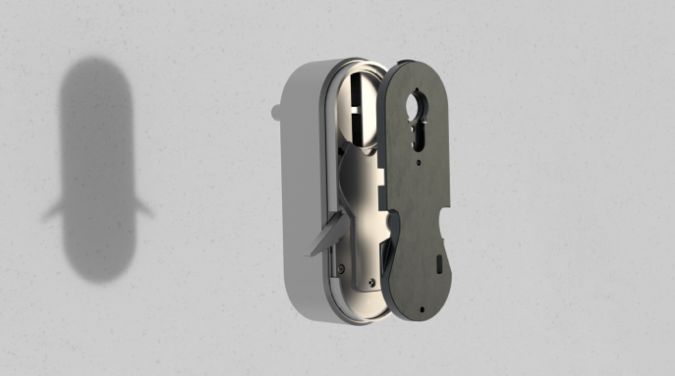
Step 2. Install the Mounting Plate on the Door
Add the mounting plate onto the internal side of your existing cylinder. You may need to loosen the grub screws (the screws on the mounting plate that go around the cylinder) in order to secure the plate properly. This can be done using the Allen key that is provided in the box. Once the plate is on the cylinder, tighten the screws back up holding the short end of the Allen key.

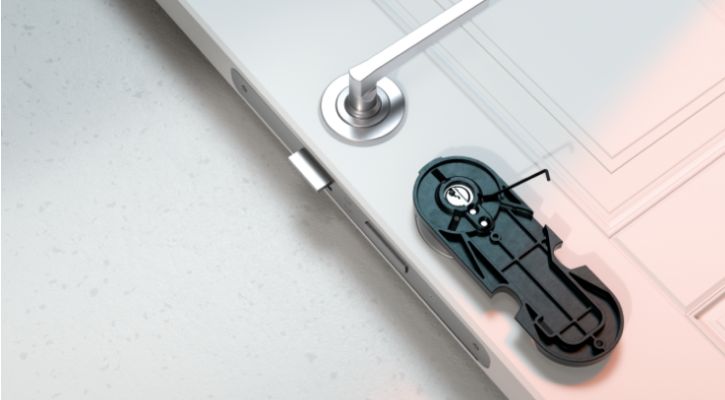
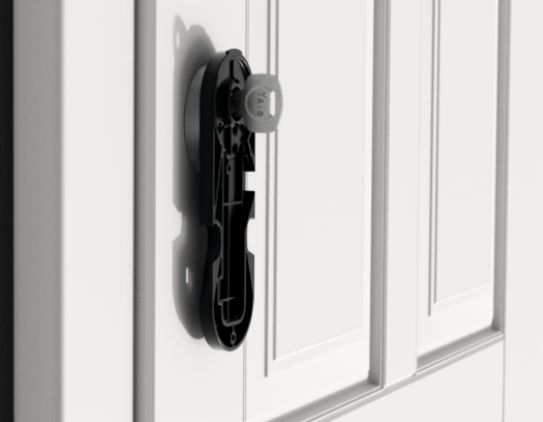
Step 3.
Insert the key into the internal side of your cylinder.

Step 4. Attach Linus® to the Mounting Plate
Mount the Linus® unit onto the mounting plate pushing the top of the unit onto the mounting plate first.

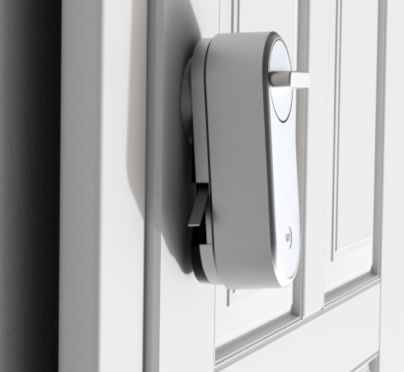
Step 5. Secure Linus® to the Door
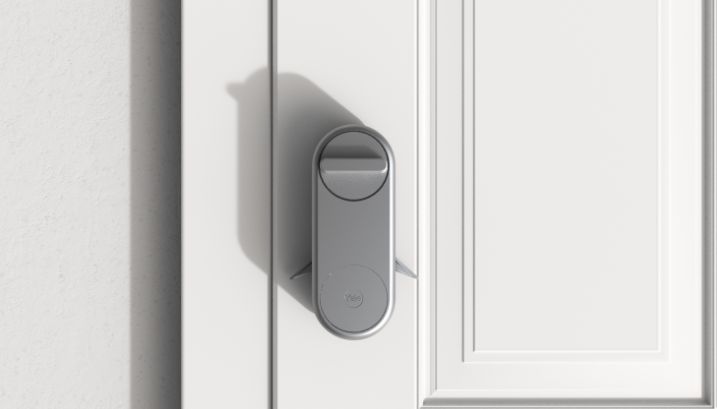
Close the ‘wings’ on the Linus® unit to securely fix it in place.

Peel the backing film from the DoorSense™ magnet

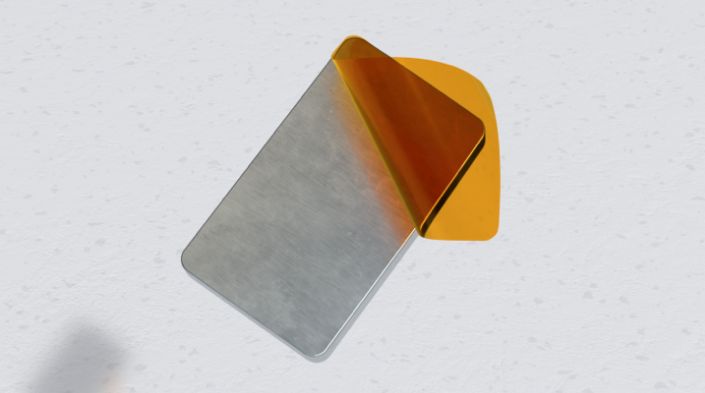
Step 6. Place DoorSense™
Stick the DoorSense™ magnet on the door frame, level with the Yale logo on the Linus® Smart Lock.