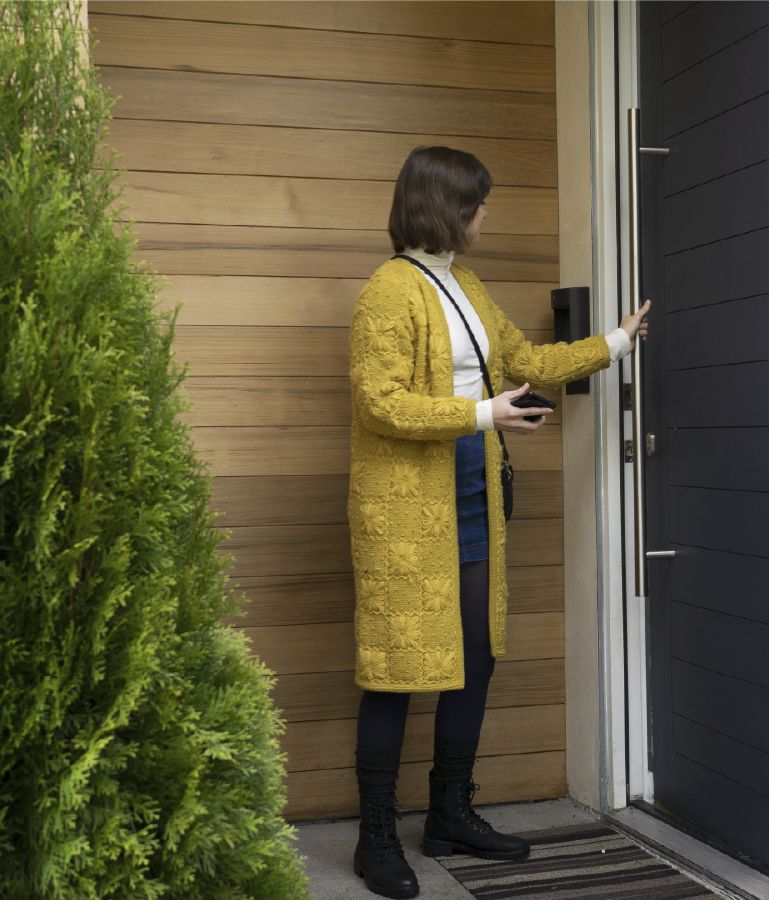
Total control of your door with the Google Assistant
Get total control via your Google Home speaker or smartphone app.
Lock your door using your voice*, check the status of your door and even have your Linus® Smart Lock communicate with other smart devices so when you leave, your door locks, the lights switch off and the alarm arms.
*Yale Connect Wi-Fi Bridge required.
Lock your door
Ask your Google Home, Google Home Mini or Pixel 3 and just about any other Android device to lock your door by saying "Ok Google, lock my door".
Check Status
With DoorSense™ installed, you can check if your door is open or closed by asking the Google Assistant to check the status of your door.
Unlock your lock
Use the Google Assistant to unlock your Linus® Smart Lock when your guests arrive, simply by saying "Ok Google, unlock my door’’*.
*Google will then ask you for a voice PIN code.