Getting Started with Smart Home CCTV Kit
Here you can find the answers how to Getting Started with Yale Smart Home CCTV Kit.
Five most common questions about Getting Started with Smart Home CCTV Kit
How do I connect my CCTV system to my TV?
Via either the HDMI/VGA Ports on the back of the DVR.
How do I set the date and time on Smart WiFi and Smart Wired?
Go to the main menu, left click on ‘System’, then click on the date and time tab
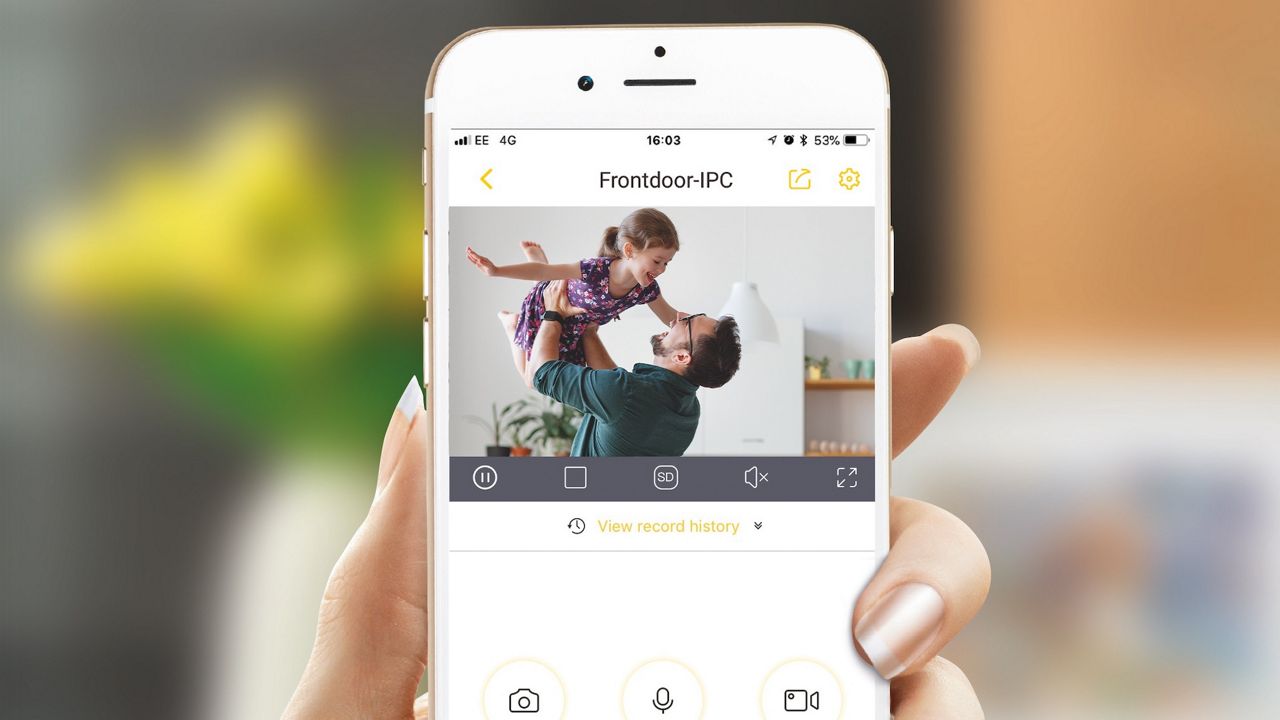
Which App do I need to use for my Smart Wifi and Wired System?
Smart Living ‘Yale View’.
Can I setup e-mail alerts for the Smart WiFi and Smart Wired?
- Go to the main menu, select network, and then the email tab.
- Tick enable box, set the receiver mail and the subject.
- Test the email notification by clicking on the Test button, Save settings.
- Check your email inbox to make sure you received the test email.
I skipped the QR code to download the app in set-up, can I go back to it?
Yes, Go to “Network” menu option in the main menu setting then select the P2P menu option. The QR Code will be displayed, scan SN Device QR code with your View App.
FAQ
If you need additional support
You can get a more visual help related to our products at our download center and in our library for support videos.
Download Center
Support Videos

Download the Yale View App
Please continue and download Yale View App.