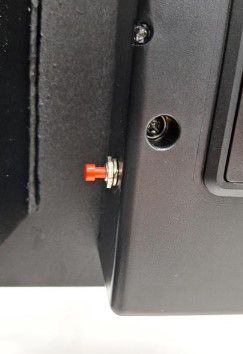
If your Yale Smart Safe is unresponsive, the door is locked, and you cannot access the contents, the issue may be due to fully discharged batteries.
Step 1: Provide Backup Power
- Connect a 9V battery to the terminals located just below the keypad. This will temporarily power the safe and allow you to enter your PIN.
- Alternatively, use the physical override key provided with your safe to open the door.
Step 2: Check App Settings
- Open the Yale Home app and go to Keypad Settings.
- Ensure the operating mode is set to Normal Mode and not Privacy Mode, which disables keypad access.
If the issue persists after these steps, please contact Yale Customer Support for further assistance.