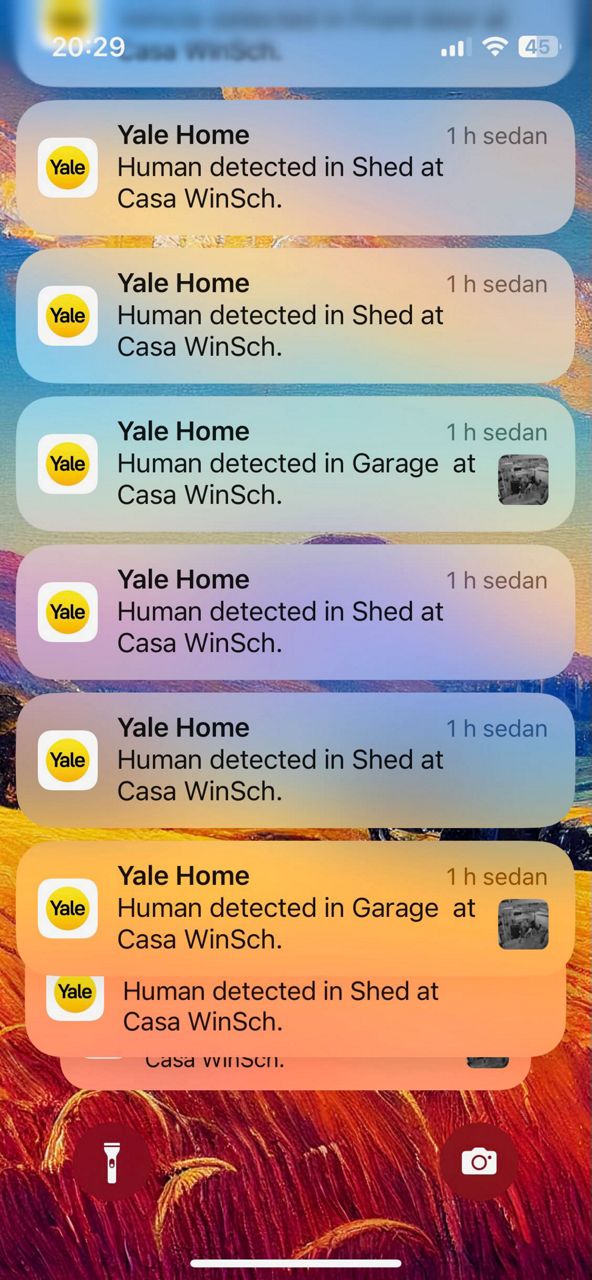
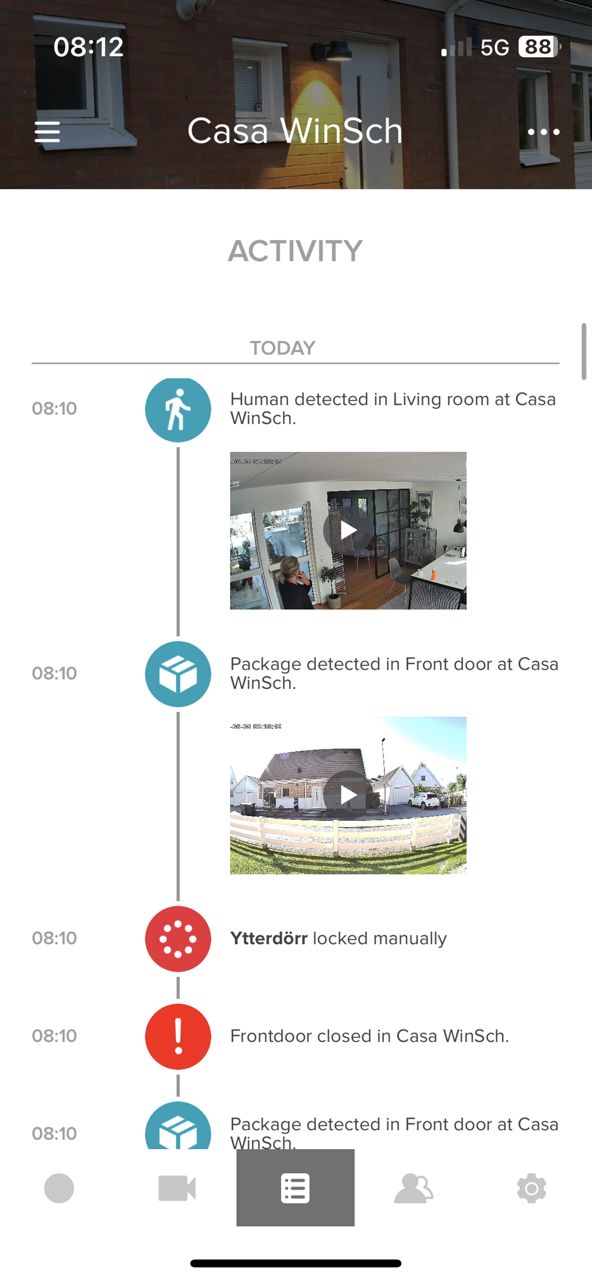
You can capture footage in two ways using the Yale Home app:
1. Event-Based Recordings
The Camera automatically records video clips when motion is detected. These recordings are triggered based on your motion detection settings. To adjust these:
- Open the Yale Home app
- Go to your Camera settings
- Customize the motion detection and recording preferences
2. Manual Capture via Live View
You can also manually record video or take snapshots while viewing the live feed:
- Open the Yale Home app
- Navigate to the Live View page for your Camera
- Tap Record to save a video clip
- Tap Snapshot to capture an image
This gives you flexibility to either rely on automatic recordings or manually capture moments as needed.