Everyday Use with Yale Access App
Here you can find the answers about Everyday Use with Yale Access App.
Five most common questions about Everyday Use with Yale Access App
How to Use Auto-Unlock for Android
Yale uses two states to enable Auto-Unlock to function: Home mode, and Away mode. These modes indicate where Auto-Unlock thinks you are: at home, or away from home.
When you are at home (in Home mode), Auto-Unlock is not actively doing anything. It is waiting until you leave home.
When you approach your door, Auto-Unlock will unlock your door via Bluetooth. This means Auto-Unlock cannot operate your lock when you are away from home.
You are considered away from home when you leave your immediate
How to Use Auto-Unlock for iOS
Yale uses two states to enable Auto-Unlock to function: Home mode, and Away mode. These modes indicate where Auto-Unlock thinks you are: at home, or away from home respectively.
When you are at home (in Home mode), Auto-Unlock is not actively doing anything. It is waiting until you leave home.
When you approach your door, Auto-Unlock will unlock your door via Bluetooth. This means Auto-Unlock cannot operate your lock when you are away from home.
How to Create Door Ajar Notifications
Door Ajar notifications alert you when your door has been left open for a certain amount of time.
In order to set up Door Ajar notifications, you’ll need a Yale Smart Lock with DoorSense™ installed with a Yale Connect Wi-Fi Bridge.
Select either iOS or Android below (depending on your device) for instructions on setting up Door Ajar notifications.
How to Invite Guests to Your Smart Lock
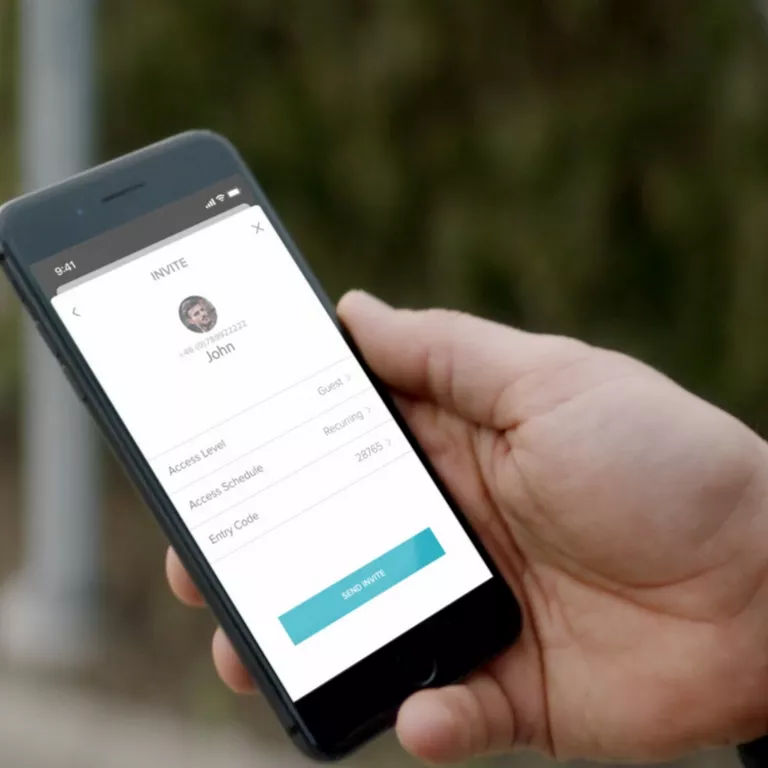
Send virtual keys to family, friends, and services listed in your contacts. Simply send each guest an invitation to download the app, or give them unique entry code access.
How to Create, Modify, and Delete Smart Alerts
Smart Alerts are sent as notifications and let you know about the activity of your Smart Lock. Many Smart Alerts appear in the Activity Feed.
Smart Alert options currently include manual lock events, user specific lock operations, notifications for when a door is left open, Auto-Lock notifications, and door locking with One-Touch Keypad operation (requires Yale Smart Keypad).
FAQ
If you need additional support
You can get a more visual help related to our products at our download center and in our library for support videos.
Download Center
Support Videos
