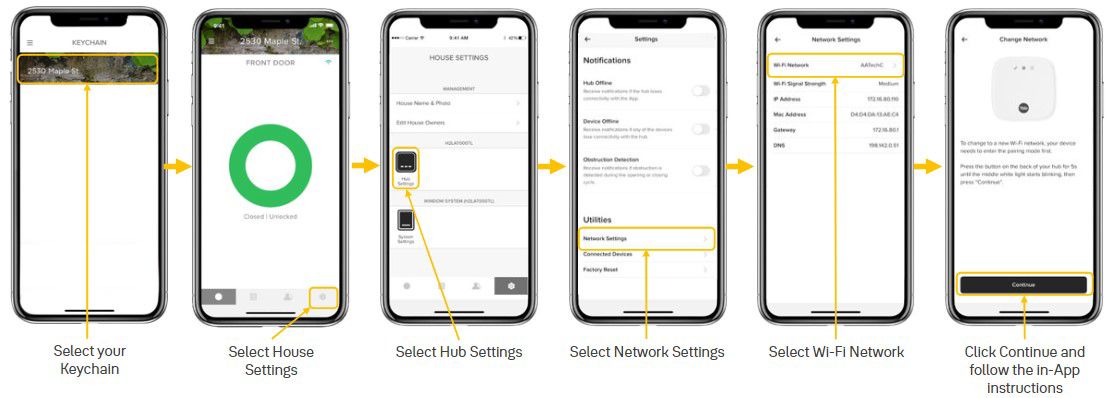
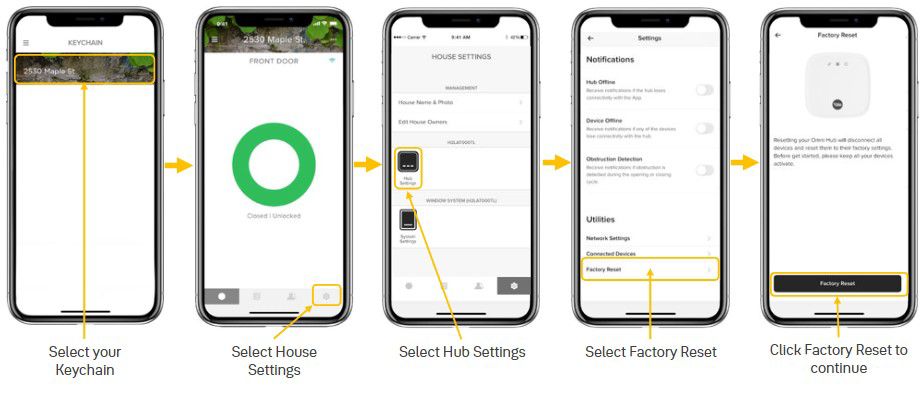
Ensure your phone is connected to a 2.4 GHz WiFi network*. Both your phone and the hub should be connected to the same network during setup.
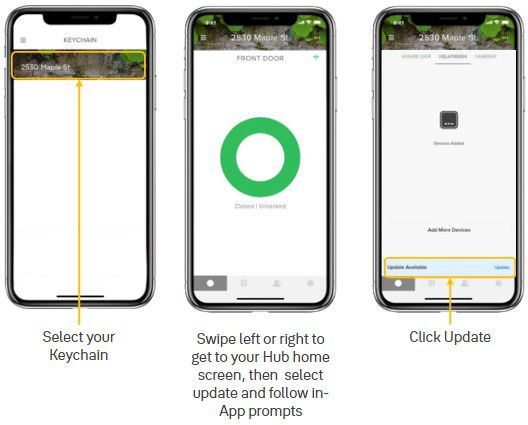
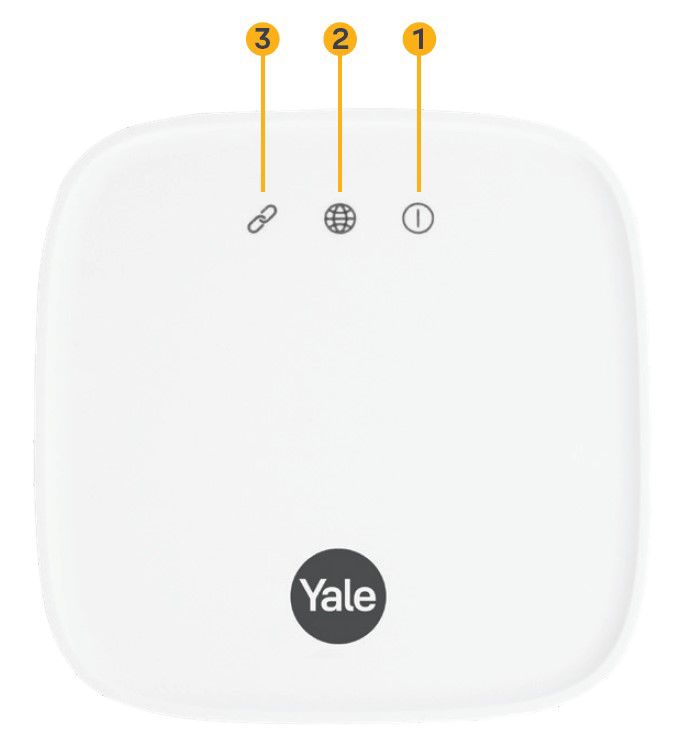
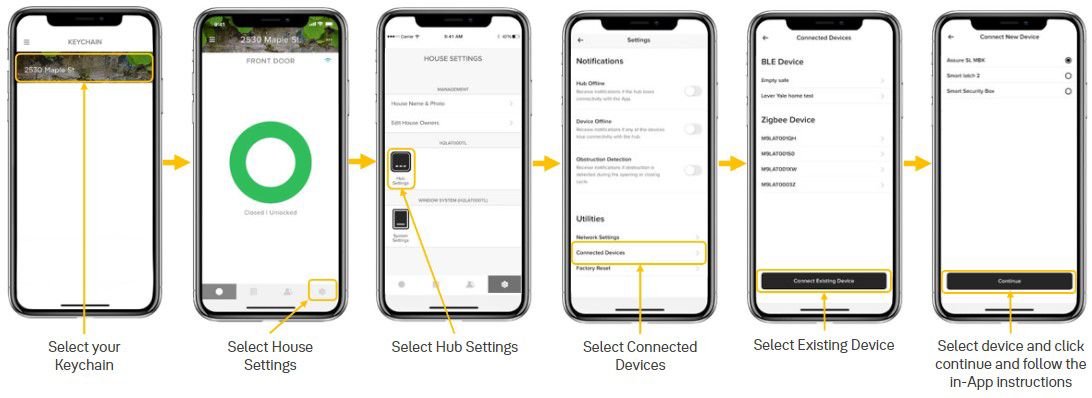
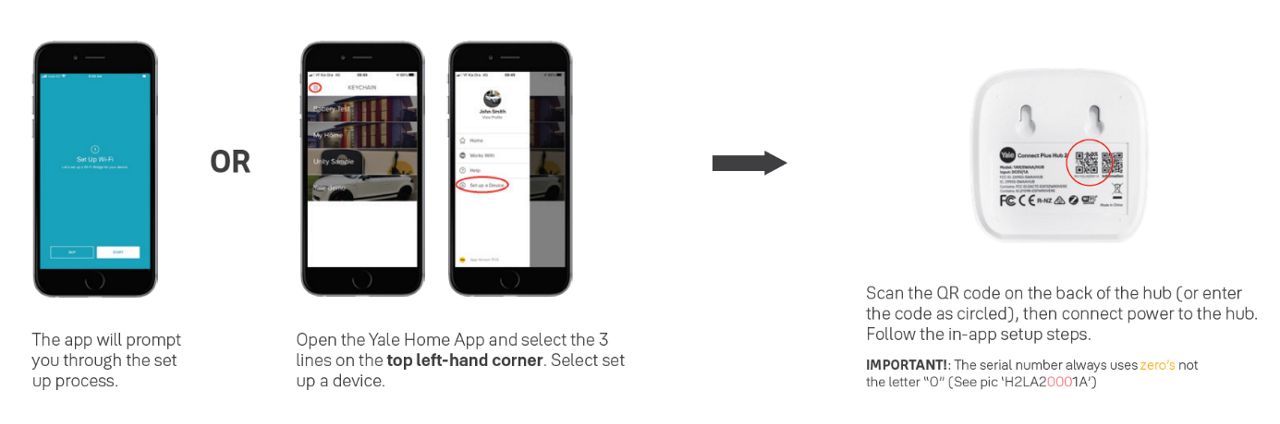
Scan the QR code located on the underside of the Yale Connect Plus Hub 2 and follow the setup guide within the Yale Home App. At the end of the setup, you will be prompted to link any additional smart home devices, if available.
*You won’t be able to make the connection if your phone is on a 5GHz network, but you can reconnect your phone to the 5GHz network once the Hub has been setup. The “signal appears to be weak” doesn’t affect the hub’s bridge’s performance, continue past this point until the setup is complete.