Yale DualDoor™ Technology
Compatible with all Yale Smart Locks!
Seamless entry, made easy
Our locks continue to be more connected and smarter than ever. With DualDoor™ Technology, you can effortlessly operate both the Yale Unity Security Screen Door Lock and any Yale Smart Lock with a single command when paired with the Yale Connect Plus Hub 2. Unlock both your security screen and entrance door lock with just one touch.
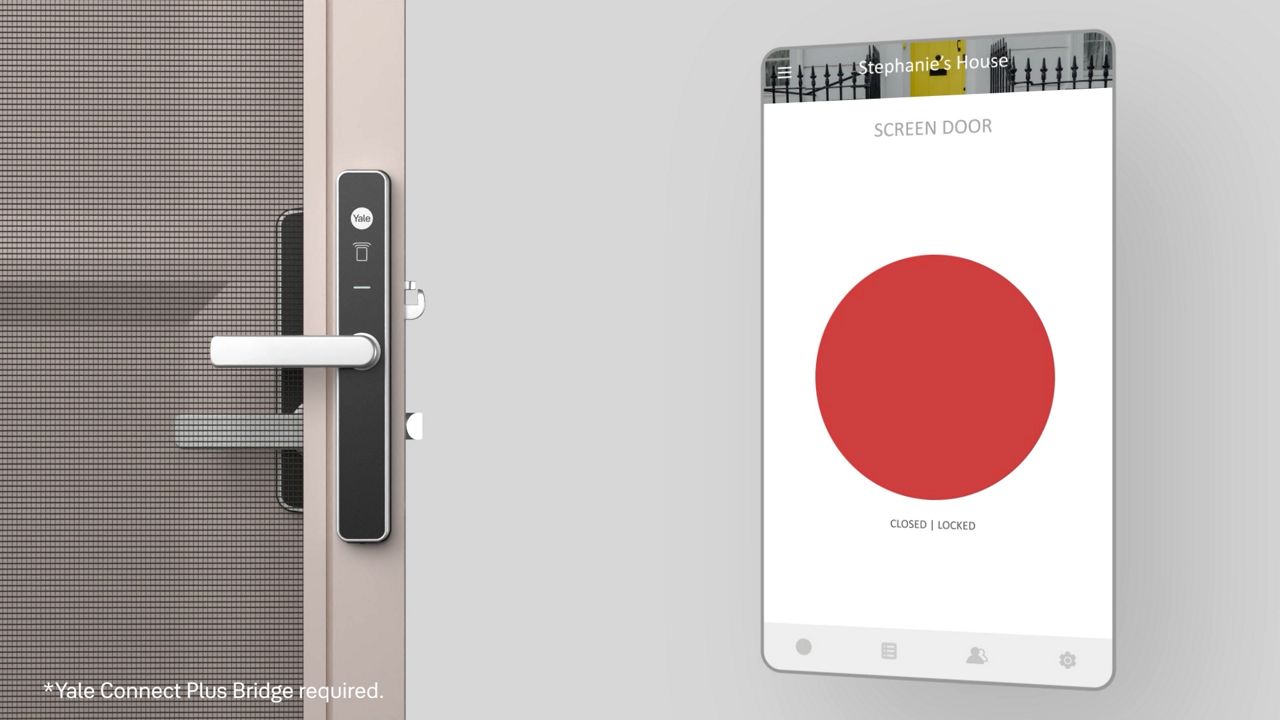
A unique differentiator; DualDoor™ Technology offers the convenience to seamlessly manage a door entry without carrying keys. With a single command, you can operate both Yale Unity® Security Screen Door Lock and ANY Yale Smart Lock in an automatic sequence.
How It Works
DualDoor™ Technology is enabled when the Yale Connect Plus Hub 2 is paired with both your Yale Unity Screen Door Lock and Yale Smart Entrance Lock. The technology is then activated, creating the ability to seamlessly unlock/lock both products in an automatic sequence.
All Yale Smart Entrance Locks are compatible with the DualDoor™ technology feature, opening up a world of design choices to suit any living space.

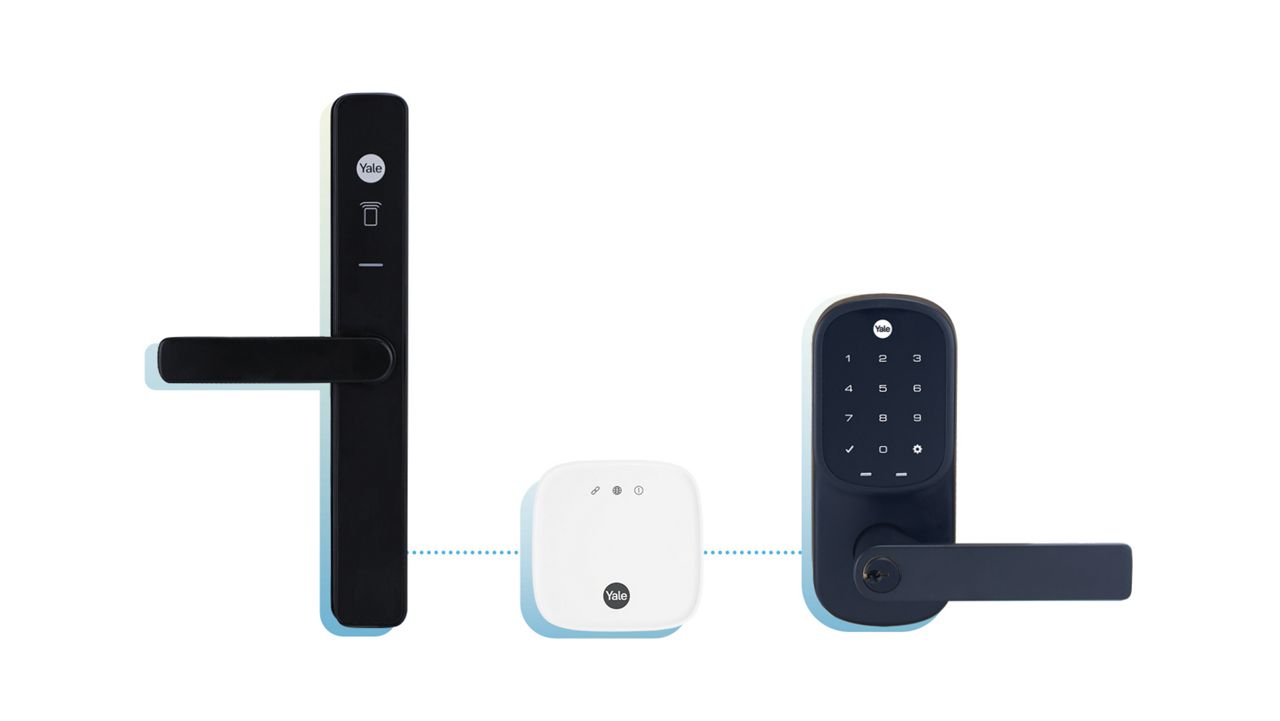
Compatible Products*
Yale Unity Entrance Lock
Patented digital dead locking technology.Yale Smart Keypad 2 - Fingerprint
Effortlessly unlock your door using your fingerprint or a personal entry code and lock it with a simple touch of a button on the keypad.Yale Assure Lock® SL with Yale home
Lock and unlock your door with the sleek touchscreen keypad.Yale Assure Lock® Keyed with Yale home
Lock and unlock your home with your smartphone.Yale Assure® Lever
A smart lever lock with a sleek keypad for key-free entry.


* DualDoor™ Technology requires pairing the Unity Screen Door (YUR/SSDL/1/SIL or YUR/SSDL/1/MBK) and your chosen Smart Lock (as listed below) with the Yale Connect Plus Hub 2 (YAR/SWAA/HUB/-I-D)
5 ways Yale Smart Locks will transform your life
- Eliminate the Need for Keys: With geofencing technology, your phone is your key.
- Remote Mastery: Maintain authoritative control over your lock from any location through Yale's smart technology.
- Grant Access to Friends and Family Members: Share access, lock and unlock and more using Yale Home App.
- Prioritise Home Security: Monitor the status of your home from anywhere.
- Impress with Style: Create a chic initial impact on visitors.
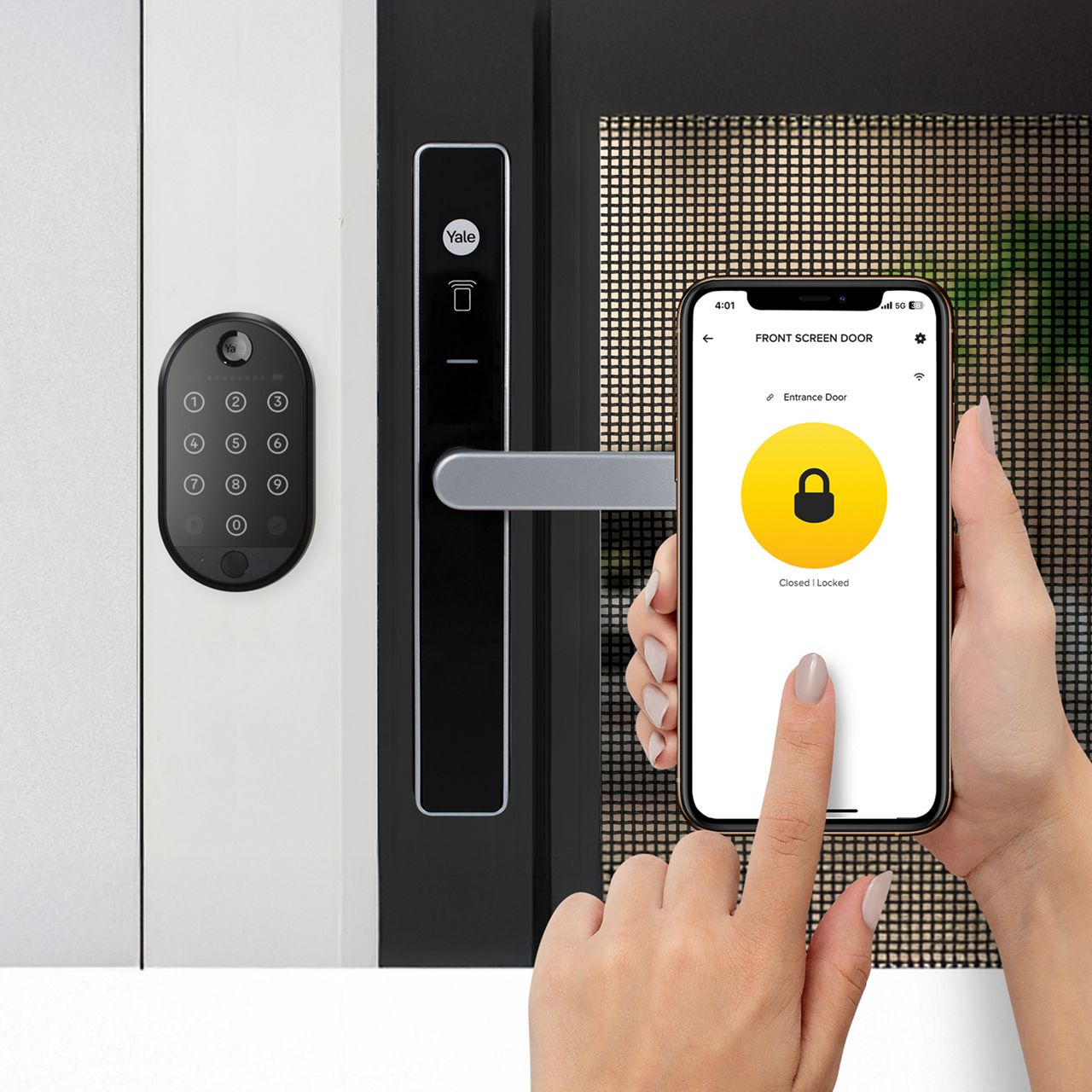
Yale Smart Locks can now be controlled through the use of the Yale Home App, giving you total control over your lock.

FAQ / User Tips
Recommendation for Manual Snib Locking:
If you typically manually snib lock your Yale Screen door along with Yale Assure deadbolt/Yale YDM series, it is advisable to only enable the 'Unlock together' feature and turn off the 'Lock together' feature. When closing the screen door and manually snibbing to lock, be aware that the deadbolt from Yale Assure and YDM series will engage briefly, preventing you from closing your entrance door.
For Users Relying on 'Auto Lock' on the Primary Lock:
If you rely on the 'Auto lock' feature on the primary lock and do not manually snib lock the screen door, it is safe to keep both 'Unlock/Lock together' options enabled. This allows you enough time to close both doors behind you, ensuring that when the screen door lock engages, the secondary lock does so.
Optimal Placement of Connect Plus Bridge:
For the best performance, place your Connect Plus Hub 2 as close as possible to your door, considering that Bluetooth signals strengthen with proximity. The (Wi-Fi) network speed and distance between your Connect Plus Hub 2 and both locks will affect the response time of the secondary lock.
Check clearance before installation:
Since every installation is different, it is recommended to check the relative lever position between your screen door lock and entrance solution to ensure you have enough clearance before proceeding with the installation.
Find Yale close to you
We are present in more than 120 markets with product ranges that are made specific for your market and home. Find your local contact and see how we can help make your everyday a bit easier.