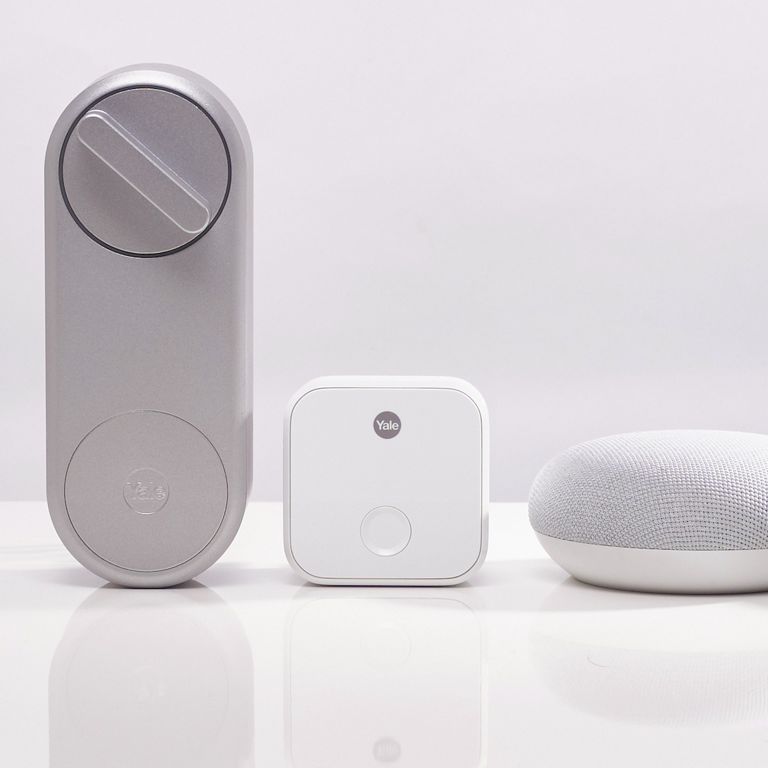
In order to update your security code/PIN you will need to unlink and relink your Yale Access Account with your Google account.
To do this, unlink your Yale Access Account from Google Assistant in the Google Assistant app. Follow the steps below to reset your PIN:
- Open the Assistant App and tap on the Actions button in the bottom left (Android) / bottom right (iOS)
- Tap on your profile in the top right
- Select Assistant tab and then the Home Control option
- Tap the 3 dots in the top right corner
- Select Manage Accounts
- Tap the Yale option and select "Unlink"
- Confirm that you want to unlink
Once you have unlinked your accounts, go through the setup steps again. This is where you reset the PIN. Choose a memorable PIN.