Getting Started with the Yale Digital Door Viewer Auto Imaging 5800
Here you can find help to set up your Yale Digital Door Viewer Auto Imaging 5800
Getting Started FAQ
4.3" LCD Display Screen x 1
Camera/Doorbell x 1
Fixtures & Fixings
Batteries (4xAA)
4GB Micro SD card is included
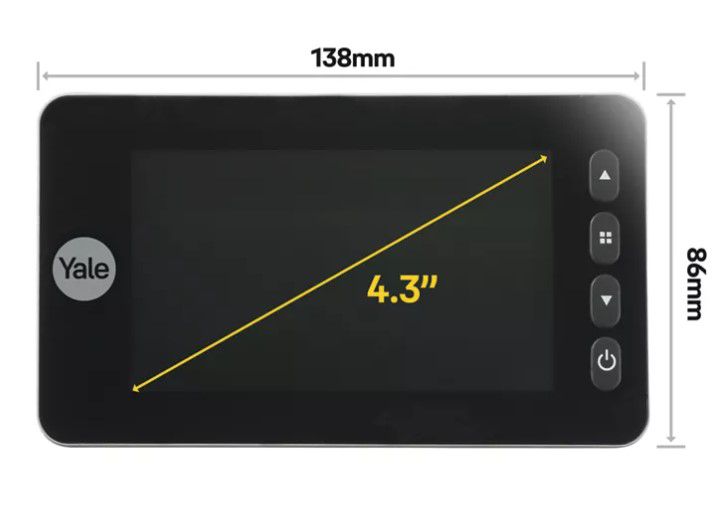
View Size: 138 x 86 x 20mm
Screen Size: 4.3"
Weight: 384g
Integrated 80dB Doorbell for clear visitor alerts.
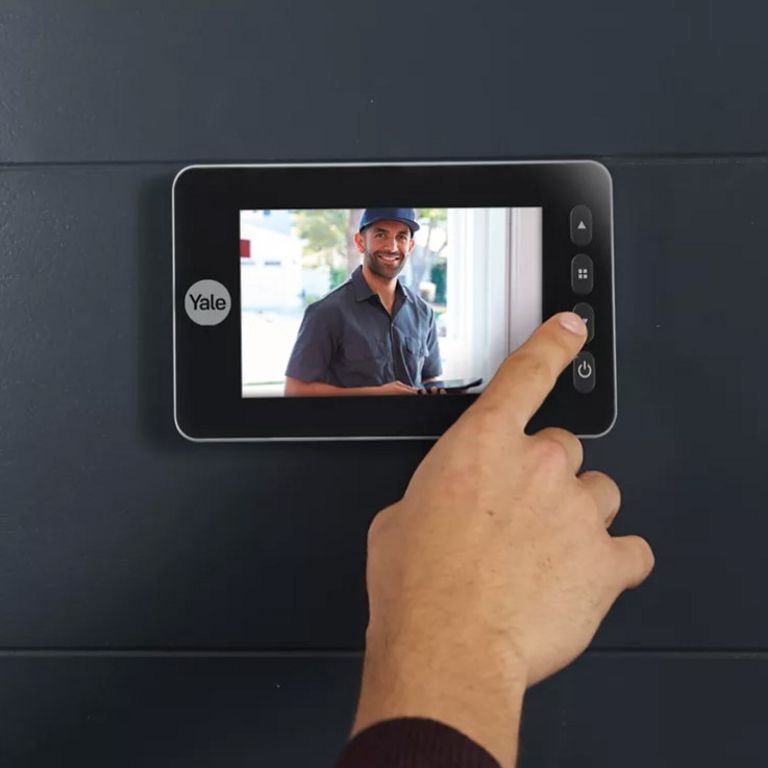
4.3" LCD screen for easy viewing and identification of visitors.
4 GB micro SD card included.
Automatic image and video capture when motion is detected.
Time and date stamps included on recordings.
Infrared night vision for visibility in the dark.
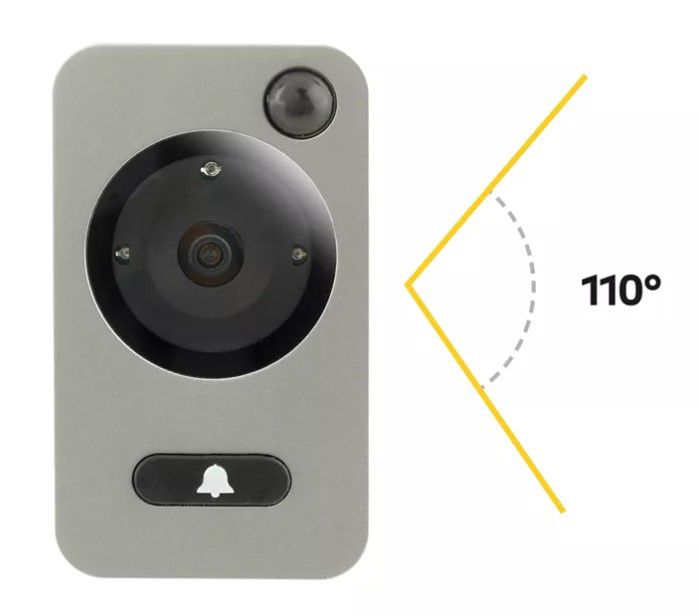
Wide viewing angle of 110 degrees.
Easy operation with a touch button for visitors.
Weather-Resistant (IP56 Rated) for reliable outdoor performance.
Easy Installation on doors with thickness between 38mm – 110mm.
Motion sensor picks up movement and takes an image or records a video
Fits standard 14mm hole from mechanical door viewer
Size 138 x 86 x 20mm
Weight 384g
Door thickness 38-110mm
Large 4.3" LCD screen
0.3 MP camera
110 degree viewing angle
Infrared night view
Includes 4GB memory card
4 pcs. AA batteries included
The Yale Digital Door Viewer Auto Imaging 5800 has a viewing angle of 110 degrees.
Yes, the external camera includes infrared LED's which provide an effective night mode function.
This product focuses on delivering clear, real-time visuals through its built-in screen and alerting you to anyone at your door- via the 80dB integrated doorbell. While it doesn’t include audio features like a microphone or speaker, its streamlined design ensures a simple, secure, and distraction-free way to see and be alerted when someone is at your door.
This product can automatically capture and store images and videos with time and date stamps when motion is detected.
Yes, this product features an integrated 80db doorbell feature. It is triggered via the built in push on the outside camera and sounds through the internal viewer screen.
This product is designed for simplicity and reliability, offering live viewing directly on its built-in screen- no app required. This ensures instant access and peace of mind without the need for Wi-Fi or smartphone connectivity.
This product is built for straightforward, dependable use. With live viewing available directly on the built-in screen, there’s no need for Wi-Fi or app setup- just press the button and see who’s at your door instantly.
We recommend installing the the Doorviewer:
At eye level
Clear from obstructions on the door, for example a door knocker
Flush against the door
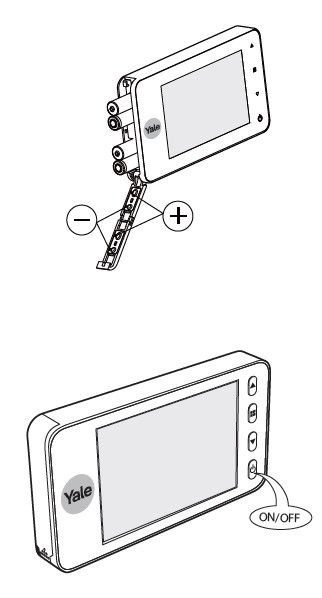
To power the Yale Digital Door Viewer Auto Imaging 5800 on, simply insert the 4 x AA batteries and then single press the on/off button.
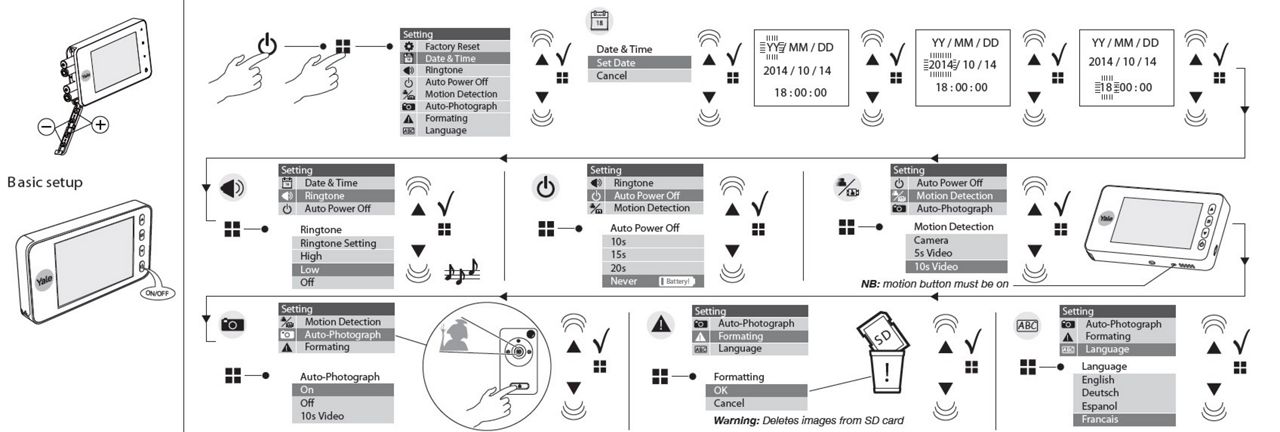
Step by step initial setup instructional images are included below: