How to Invite Guests to Your Smart Lock
Tip: If they already have a Yale Home account, your key will appear in their keychain after you send the invite, provided you send it to the number listed in their Yale Home account.
Types of Access:
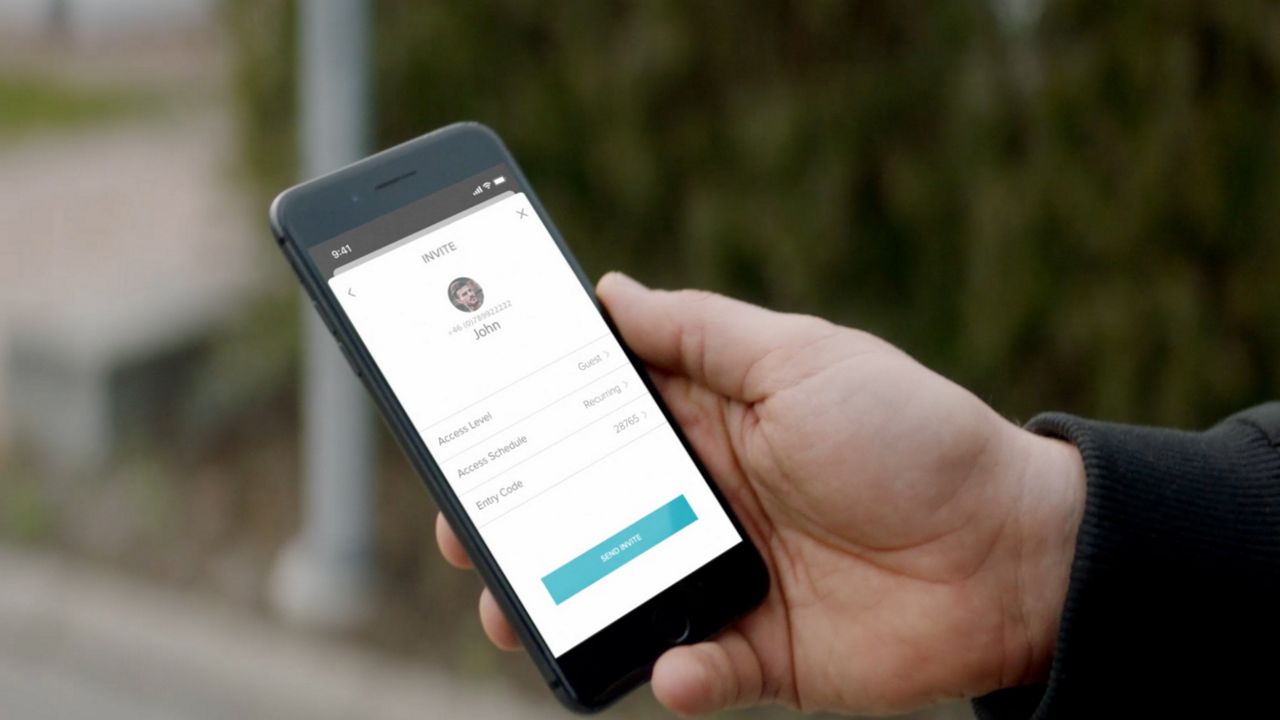
App Access will allow the user to lock/unlock from their smartphone using the Yale Home App. You can add the user as a guest or an owner.
- Guests can only lock and unlock the door via the app. You can also assign an access schedule to the app access. The user can have always-on access, reoccurring access or temporary access.
- Owners will have full access to the lock from the app. They can lock /unlock, use auto unlock, invite/remove guests and owners, control all lock settings, view the activity feed and view the guest list.
Personal Entry Code Only* will allow the user to unlock the door via an entry code. Entry codes can be always-on, reoccurring access or temporary access.
*Seperate keypad required if your lock does not include integrated keypad functionality.
Select iOS or Android (depending on your device) for steps to invite guests to use your Yale Smart Lock.



Download the Yale Home App
App store
Directly to your phone from Appstore
Google Play
Directly to your phone from Google Play