FAQ about Yale and Philips HUE
Here are the answers to frequently asked questions about the Yale and Philips HUE.
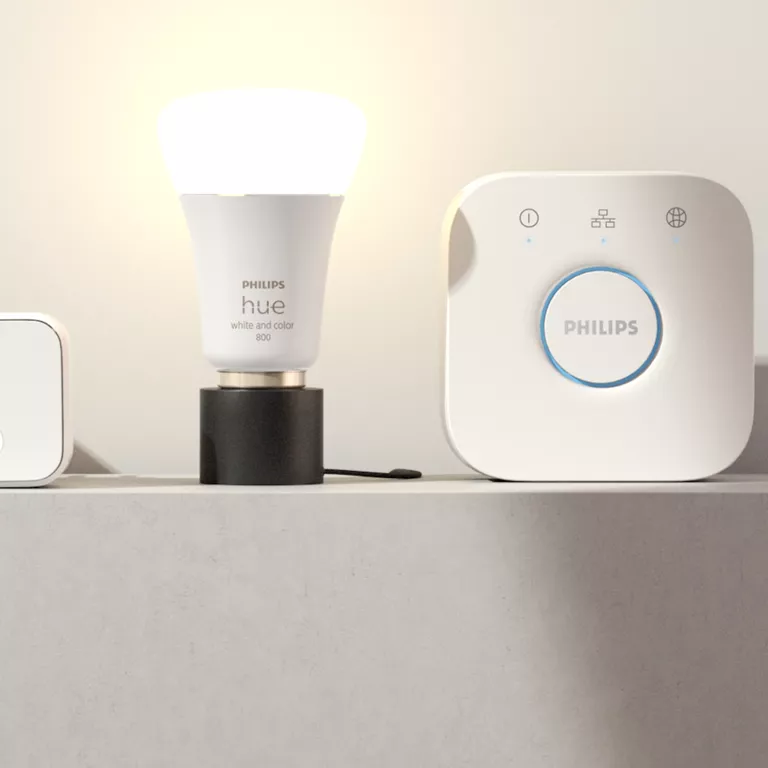
Five most common asked questions about Yale and Philips HUE
What is the integration?
1. Set your light groups to turn on when the lock is unlocked using the mobile app.
2. Use the one-touch lock feature to turn off lights when you lock the door.*
3. Activate the lights when an Entry Code is used to unlock the door with the keypad*
What is needed to use this integration?
If you want to enable all 3 scenarios, you will need a lock with a Wi-Fi bridge or a Wi-Fi Smart Lock, as well as a Smart Keypad. Keypad/touchscreen locks that include the Yale Access Upgrade Kit works too.
Which Philips Hue products does this work with?
To use this integration you will also need the Philips Hue bridge and Philips Hue lights.
Who can use this Integration?
This integration can only be connected by Lock Owners; but anyone connected to your locks and keypads can use it.
Can I control it remotely?
Yes. You will have the ability to control this integration remotely if your lock is connected to a Wi-Fi bridge, or if it is a Wi-Fi enabled device.
FAQ
If you need additional support
You can get a more visual help related to our products at our download center and in our library for support videos.
Download Center
Support Videos
