Troubleshooting Yale Access App
Here you can find the answers about Troubleshooting Yale Access App
Five most common questions about Troubleshooting Yale Access App
Trouble Connecting to Lock
If you are having trouble connecting to your lock using the Yale Access App, the following troubleshooting may help.
Entry Code Fails to Unlock the Door
1. Open the Yale Access App and go to Keypad settings
2. Select the option to Disconnect the Keypad (note: must be within Bluetooth range)
3. Once you select the disconnect option, you will be sent a 4 digit code to physically reset the keypad.
4. Enter this code into the Keypad to reset the device.Read the full answer in the compiled FAQ below.
Wrong Email or Phone Number Error Message
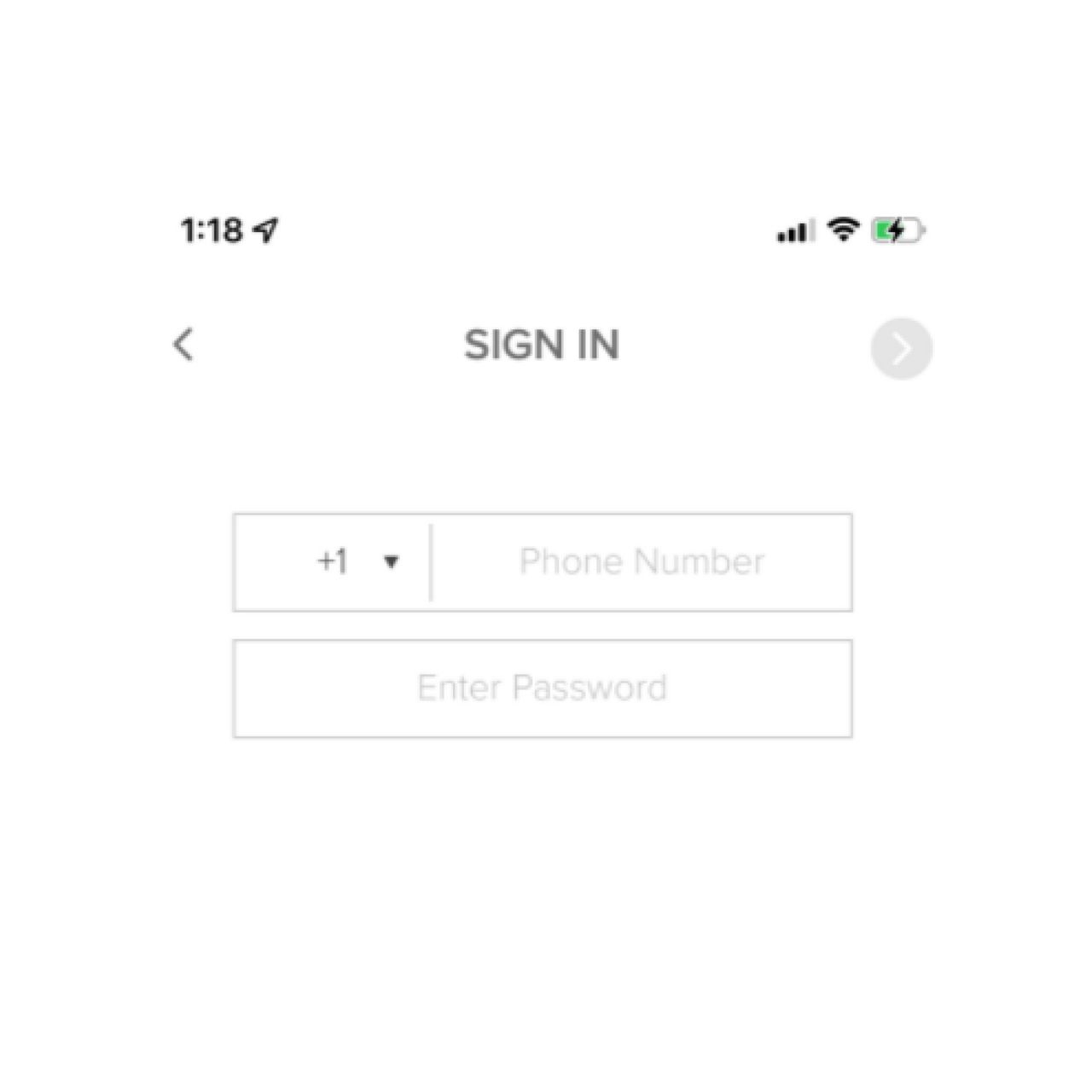
You can log in using either your phone number or your email. If you're having trouble logging in with one, try logging in using the other.
If you forgot your password, you can reset your password by clicking on the forgot password link in the Yale Access App.
Read the full answer in the compiled FAQ below.
"Cannot Connect to Lock" Error Message When Creating A Personal Entry Code
Personal entry codes for your Yale Smart Keypad can be created, modified, and deleted from anywhere. Creating, modifying, and deleting entry codes remotely requires a Yale Connect Wi-Fi Bridge, and the most recent version of the Yale Access App.
Without a Yale Connect Wi-Fi Bridge, personal entry codes can only be created when you are connected to your Yale Smart Lock via Bluetooth.
How to Enable Auto-Unlock on Android Phones with Custom Vendor Optimization that Terminates Background Tasks
In order to get Auto-Unlock feature to work with your phone, the Yale Access App needs to be able to occasionally run short background tasks . For these phones Auto-Unlock setup will direct you to the Settings where the Yale Access App can be added to “Ignore Battery Optimization” list. In addition to that setting, for Huawei phones, the following steps are necessary:
FAQ
If you need additional support
You can get a more visual help related to our products at our download center and in our library for support videos.
Download Center
Support Videos
