Everyday Use with SR Smart Home Alarm
Here you can find the answers about Everyday Use with SR Smart Home Alarm.
Five most common questions about Everyday Use with SR Smart Home Alarm
How do I add an accessory to my Smart Home Range System?
Accessories can be added to the Smart Home Range System via the app. See the instructions below for more information.
How can I add a new user to the system?
New users can be added to the Yale Home App.
Where can I find the smart watch app?
How do I change the keypad PIN?
Read the full answer in the compiled FAQ below.
How will I be alerted if the alarm has been triggered?
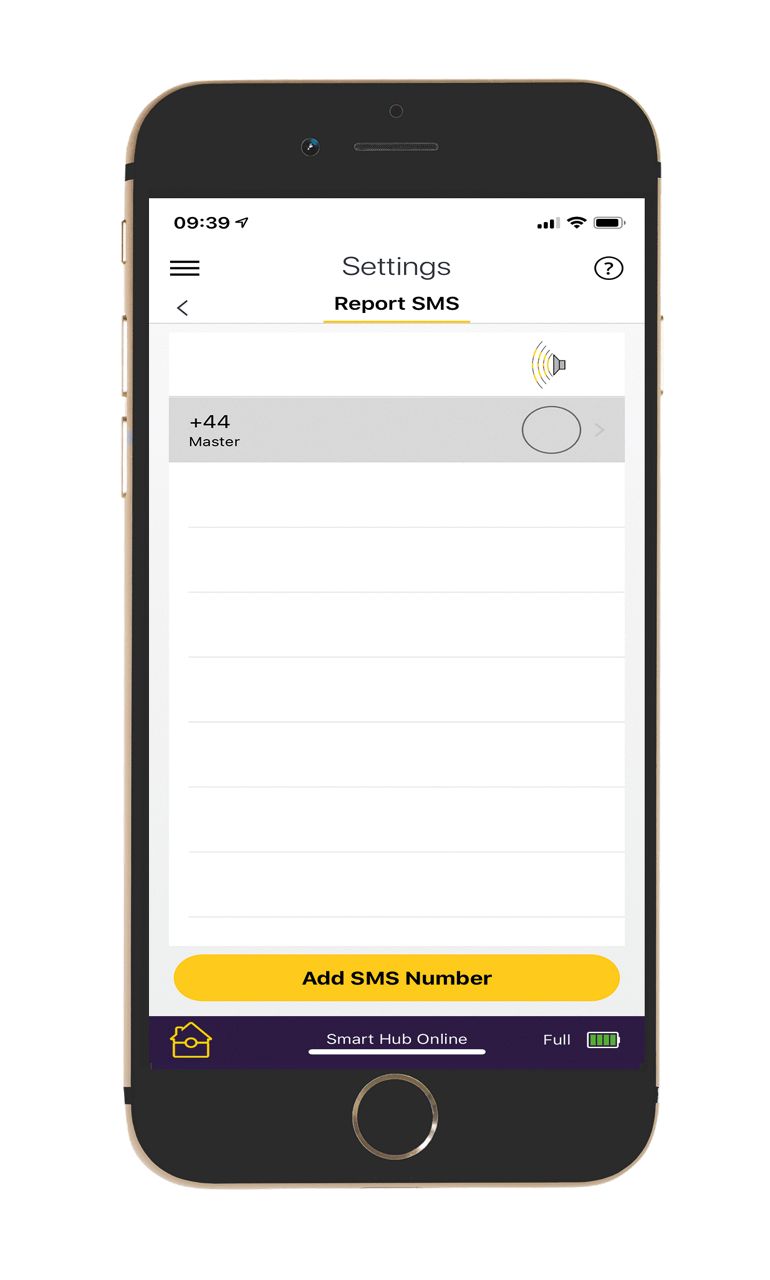
You can choose how you wish to be alerted. Options include e-mail alerts or text alerts, as well as push notifications via the app. To manage your notification settings go in the Yale Home App menu, select “Settings” > “Users”>”Notification Settings”.
Read the full answer in the compiled FAQ below.
FAQ
If you need additional support
You can get a more visual help related to our products at our download center and in our library for support videos.
Download Center
Support Videos
