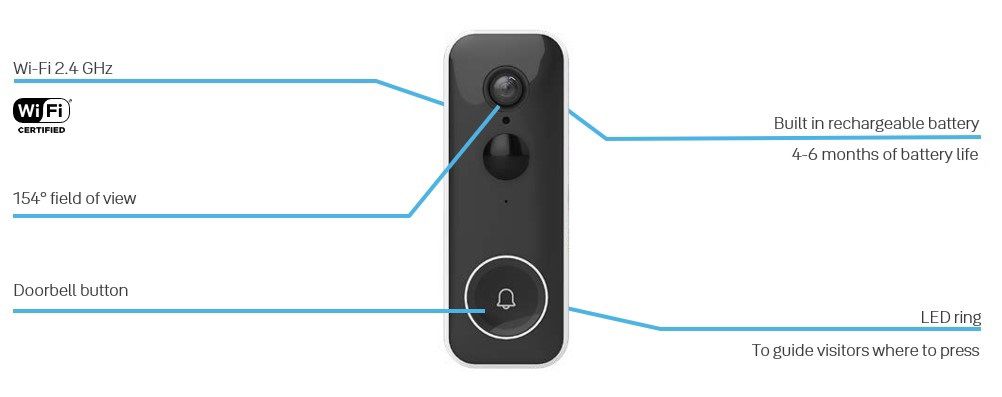
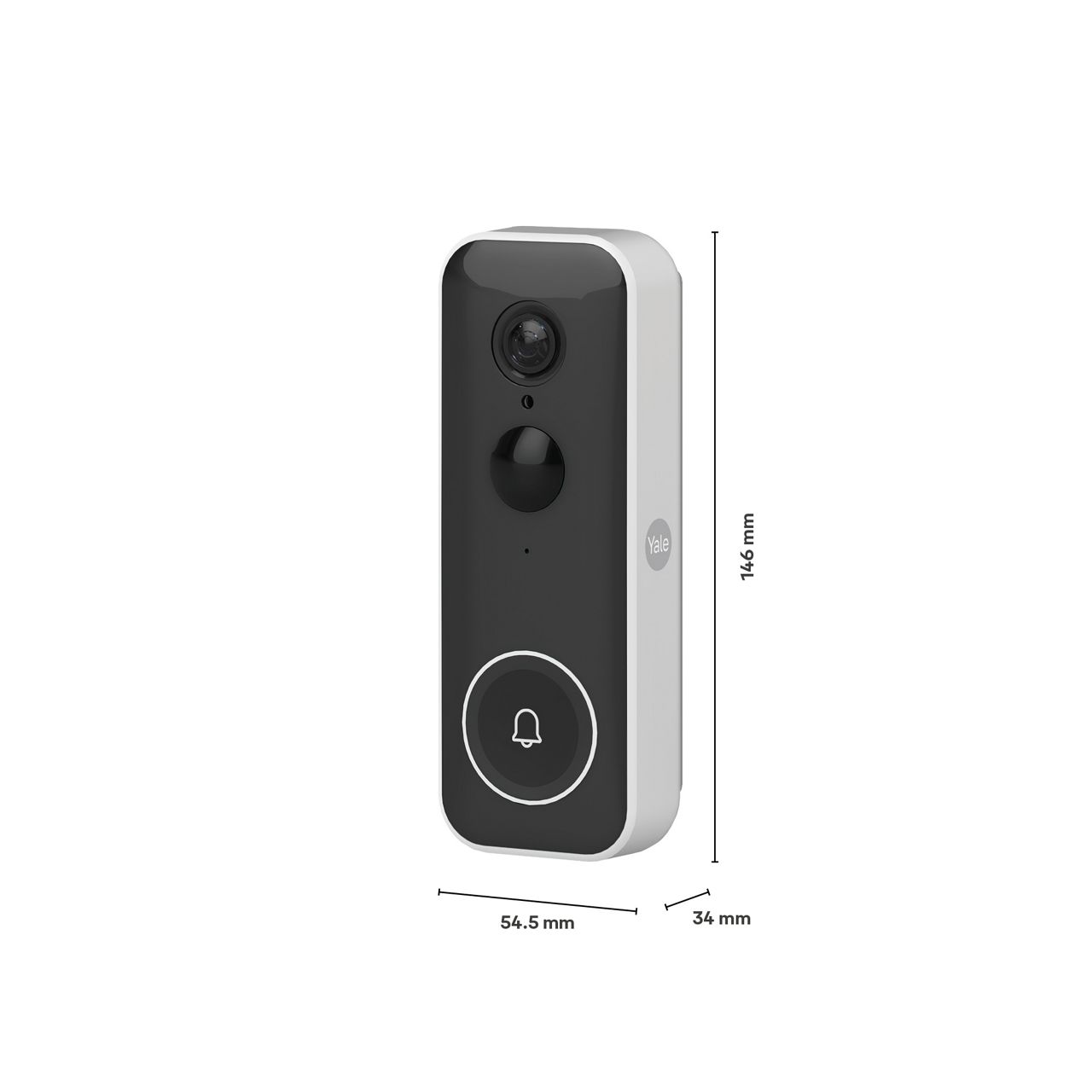
The Yale Smart Video Doorbell can run of the internal battery or from a mains power supply.
In camera hardware, the two power input options are designed for different use cases, depending on the available home installation options:
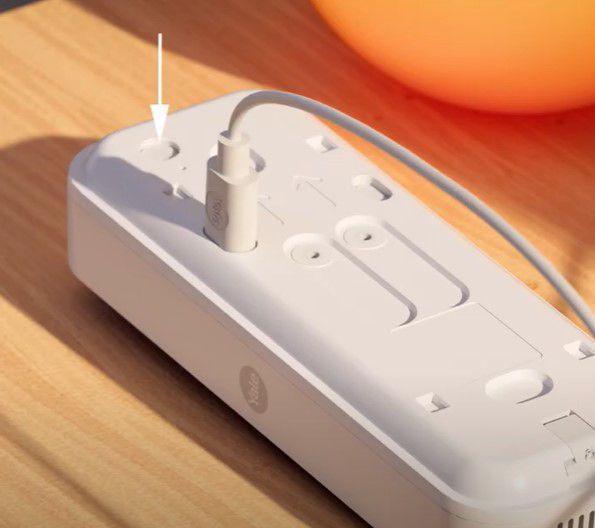
USB-C input: this is used when you are running the internal battery, the battery will need to be charged. For optimal/shortest charging time we recommend a 5V, 2 A.mp Using a 1 Amp charger will extend the charging time. Note: the Yale Smart Video Doorbell does not support any fast charging standards. A fast charger can be connected, but there will be no fast charging benefit as charging will be standard 5V 2 Amp charging.
24VDC, 0.5A: This is what the Yale AC adapter provides, and the Doorbell is designed to handle this. The Yale AC adapter could also have been named AC/DC adapter, it converts input AC voltage (mains 110/240 VAC) to output DC voltage (24VDC). (AC Adapter sold separately)
8-24VAC: this is the voltage range mostly used by traditional mechanical chimes that are set up with a bell transformer which in most countries (except UK) is located in a fuse box central in the house. The Doorbell screw terminals can be connected to the wires that is used by the mechanical bell button, the old mechanical chime must be disconnected, that is the wires powering it must be disconnected and in between these to wires it's suitable to place the inline fuse that the Doorbell is delivered with. It's very important that the inline fuse is installed.
For guidence, in the Yale Home app, go to the settings menu (accessed by pressing the small gear icon) for each Yale Smart camera, scroll down to installation guides to view the in-app videos and images that show you to mount your cameras.
Alternativy, Click here to view the video on how to setup your Yale Smart Video Doorbell.